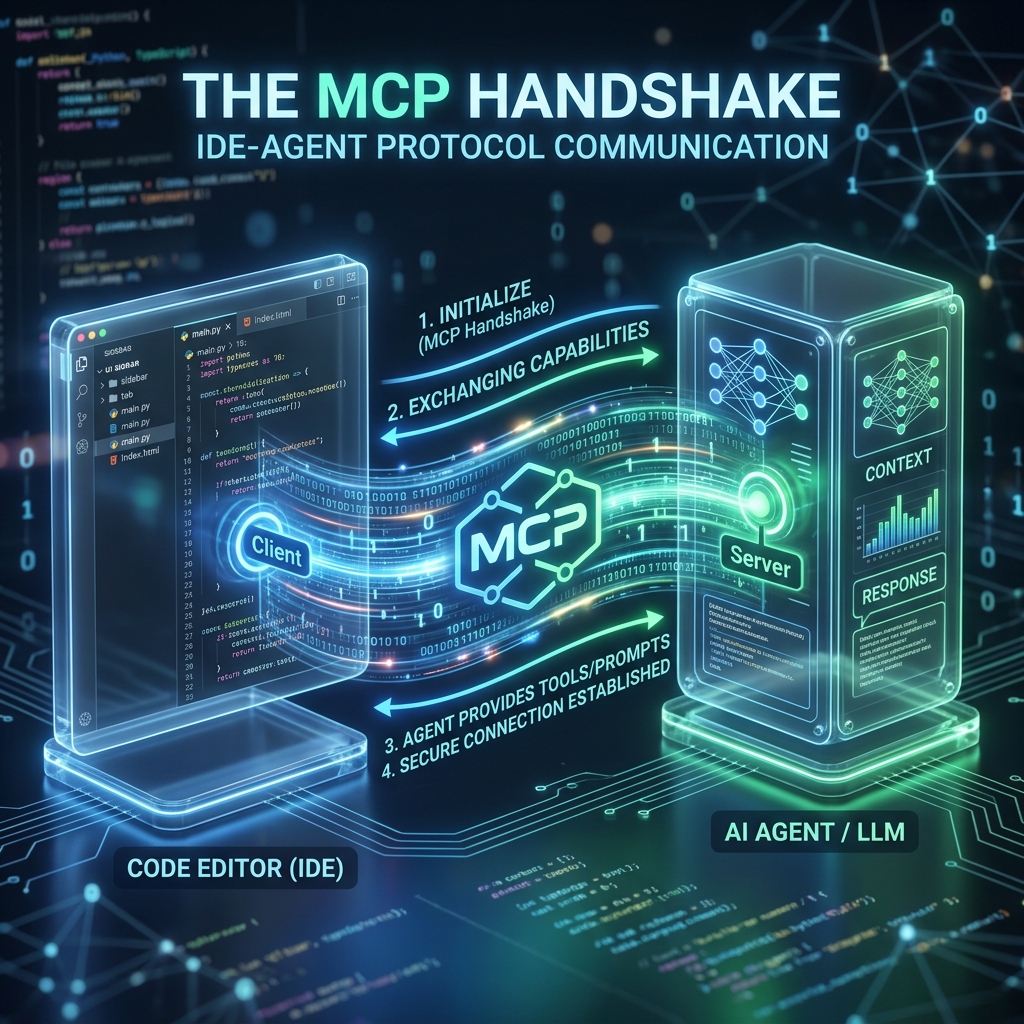
01The Context Gap
The biggest friction in AI-pair programming isn't the model's intelligence—it's the context.
Traditional AI tools live in a sandbox. They can see what you paste, but they can't feel the codebase. In **ClawMore**, we use the **Model Context Protocol (MCP)** to create a persistent, bilateral connection between your silicon colleague and your file system.
02The Protocol of Collaboration
MCP allows your Claweague to "request" context rather than you manually providing it. If an agent needs to understand of a dependency tree, it just queries the MCP server.
- Tool Access: Agents can call local scripts, run tests, and browse files via authorized MCP tools.
- Resource Streaming: Code metadata is streamed in real-time as your agent works on its isolated AWS stack.
- Secure Bridge: All communication travels through a zero-trust encrypted tunnel.
03The Managed Handshake
With **ClawMore**, setting up MCP is automatic. Once your agent is provisioned, its MCP server is registered in your IDE (Cursor, Claude Desktop, or Windsurf), allowing for a seamless "Mental Model" synchronization.
What's Next?
In Part 3, we'll explore **Skill Development**—how to teach your Claweagues custom commands that are specific to your business logic.